
Split large PDF files easily using this fast and secure split PDF tool online. Extract specific pages or separate documents into smaller files without losing quality or formatting. This browser-based split PDF online free tool helps students, professionals, and businesses organize documents quickly and prepare files for sharing or storage.
How to Split PDF Online
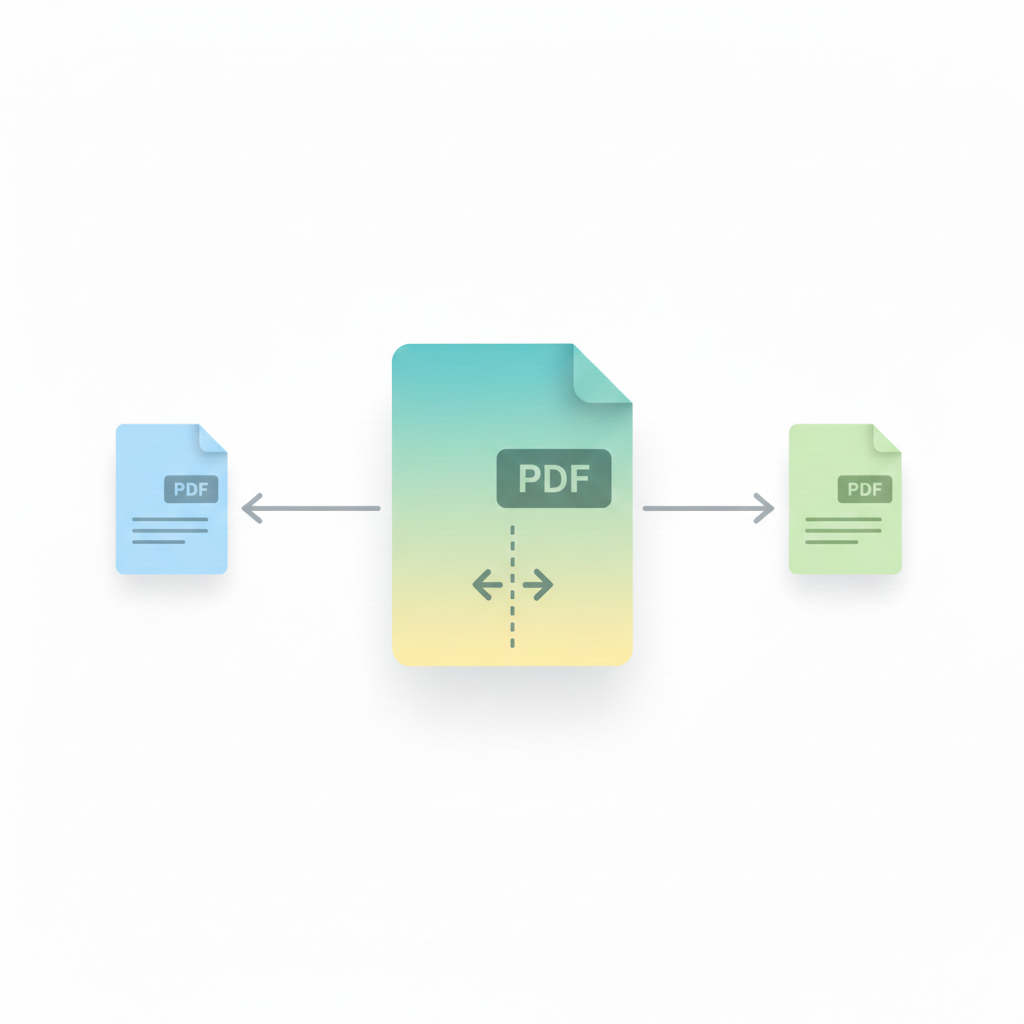
Upload your file using the tool above, enter the page range you want to extract, and click the split button. Within seconds, your PDF will be divided into smaller files ready for download. This split PDF tool works directly in your browser without installing software. Try our Merge PDF Tool to combine files after splitting. Learn more about the PDF file format from Portable Document Format.
Why Use This Split PDF Tool?
- Extract PDF pages online instantly
- Split large documents into smaller files
- Maintain layout and formatting
- Perfect for reports, assignments, and invoices
Using a reliable split PDF online tool helps you manage documents faster and makes file sharing more efficient.
Best Way to Extract PDF Pages
Sometimes you only need specific pages from a long document. Instead of sending the entire file, this extract PDF pages online tool allows you to separate sections and keep files organized. Smaller PDFs load faster and are easier to email or upload. Need smaller file size? Many online document workflows rely on the PDF standard, which you can explore further on Adobe PDF information page. Use the PDF Size Compressor.
FAQ — Split PDF Tool
Is splitting PDF safe?
Yes, files are processed locally in your browser, keeping documents private.
Will quality change after splitting?
No, this tool keeps original formatting and clarity.
Can I split multiple page ranges?
Yes, you can define page ranges and extract pages instantly.
Learn more about Portable Document Format.
Check file attachment limits and document sharing tips on Gmail Help Center.