
Convert PDF pages into high-quality images instantly using this fast and secure PDF to JPG converter online. This tool allows you to extract visuals from documents or turn entire PDF pages into JPG format for easier editing, sharing, and uploading across different platforms. Whether you are working with presentations, scanned documents, or design files, this convert PDF to JPG free tool helps you create lightweight image files without reducing clarity. Since everything works directly in your browser, you don’t need to install heavy software or worry about complicated settings. Simply upload your file, convert pages into images, and download them in seconds while keeping the original layout and resolution intact.
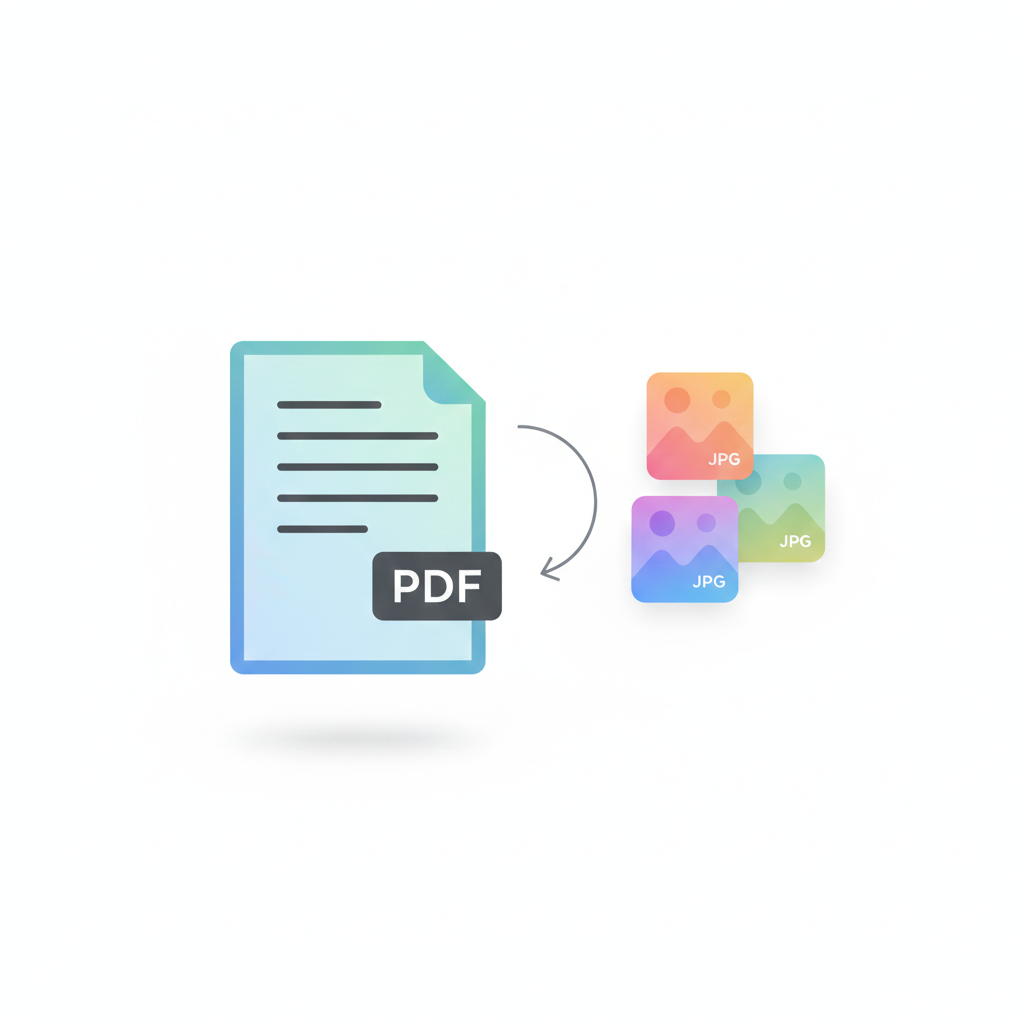
How to Convert PDF to JPG Online
Upload your PDF file using the tool above and click the convert button to start the process. Within a few seconds, each page of your document will be transformed into a clear JPG image that you can preview and download instantly. This pdf to jpg online tool is designed to make image extraction simple, even for beginners. By converting document pages into images, you can easily reuse graphics, JPG to PDF Converter share visuals on social media, or add images to presentations without needing advanced editing software. The browser-based conversion keeps your files secure while ensuring fast performance on both desktop and mobile devices. Need to merge files later? Try our Merge PDF Tool.
Why Use This PDF to JPG Converter?
Using a reliable pdf to jpg converter gives you more flexibility when working with documents and visuals. Instead of sending large PDF files, you can quickly convert pages into JPG images that are easier to edit and share. This tool offers several advantages:
- Convert PDF pages into JPG images instantly without complex steps
- Maintain image clarity, sharpness, and original resolution
- Perfect for presentations, design work, marketing materials, and visual content
- Fast browser-based processing that works without installation
Many users prefer converting PDF files into images because it allows them to reuse content creatively and improve workflow efficiency across different devices and platforms. Want to turn images back into documents? Use the JPG to PDF Converter.
Best Way to Extract Images from PDF Files
Sometimes you only need specific visuals from a long document rather than the entire file. By using a convert pdf to jpg online tool, Image Compressor Tool you can separate pages and transform them into individual images that are easier to manage. JPG images are lightweight and widely supported, which makes them ideal for websites, blogs, and email attachments. Converting PDF pages into JPG format also helps reduce file complexity while giving you more control over editing and sharing. This method is especially useful for designers, students, and professionals who need quick access to visual content without opening large files repeatedly. Learn more about PDF technology from Portable Document Format. Explore web image formats on MDN Web Docs.
FAQ — PDF to JPG Converter
Can I convert PDF pages into images without losing clarity?
Yes, this PDF to JPG converter online keeps page quality clear while turning documents into high-quality JPG images. The tool focuses on maintaining resolution so your visuals remain sharp and usable.
Why should I convert PDF files into JPG format?
Many users prefer JPG images because they are lightweight and easy to upload on websites or social media. Using a convert PDF to JPG free tool helps you reuse visuals from documents without sending large PDF files.
Is it better to extract images or convert full pages?
It depends on your needs. If you only need graphics, extracting images works best. However, converting full pages using a pdf to jpg online tool ensures the layout stays exactly the same as the original document.
Do I need to install software to use this tool?
No installation is required. This browser-based pdf to jpg converter works instantly online, making it convenient for students, designers, and professionals.